

Microsoft is releasing a number of updates to Microsoft Teams that aim to minimize friction in the use of the platform. These updates are applicable to desktop, web, and mobile clients and are being rolled out throughout early 2026.
Enter key behavior
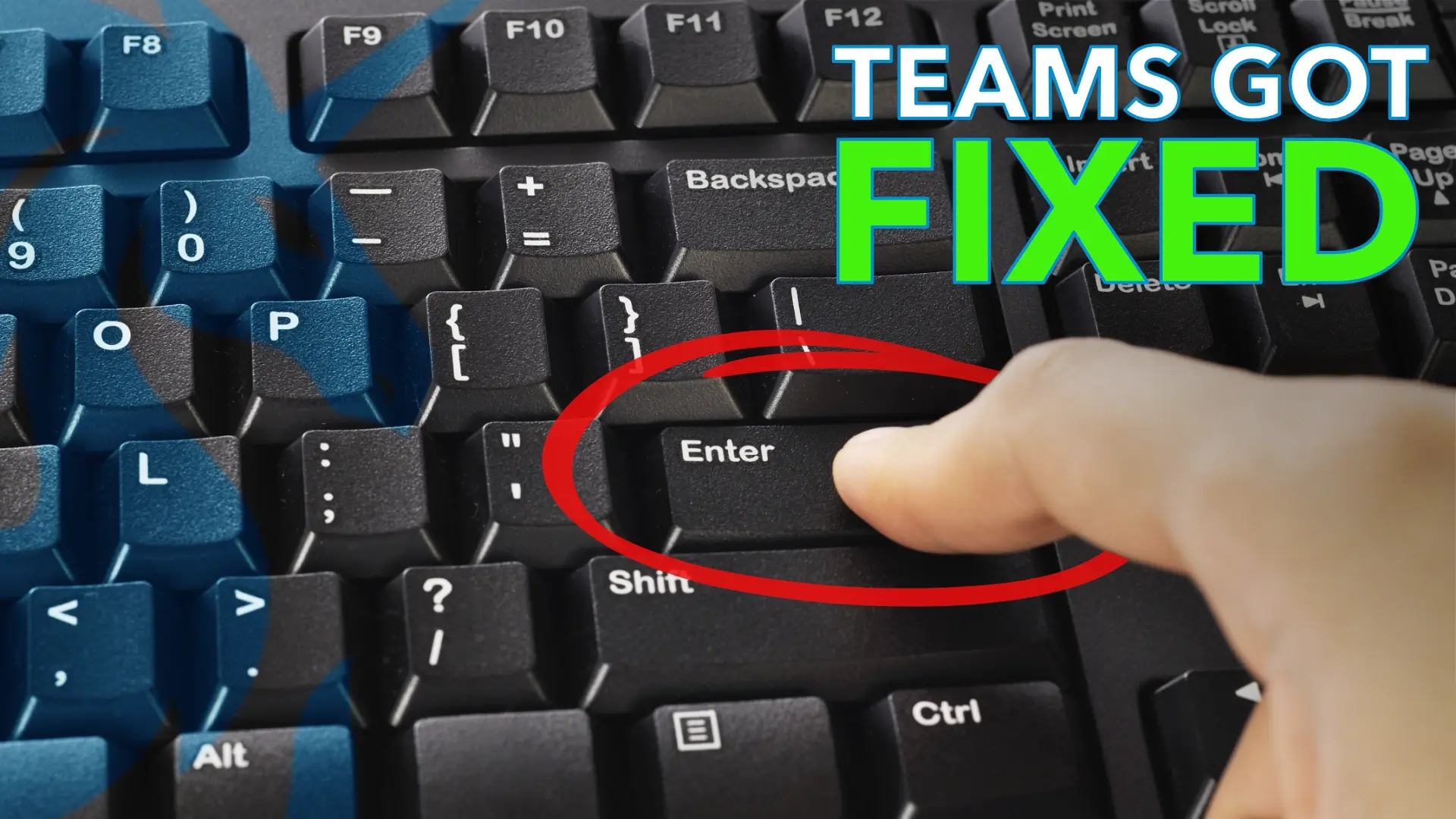
By default, pressing Enter sends a message in Teams. This has resulted in many users accidentally sending messages when they wanted to insert a line break. This feature will now allow users to choose whether pressing Enter sends a message or inserts a new line. The Shift + Enter combination will still be available.
This will give users more control over the formatting of their messages, which should help eliminate unnecessary misfires during busy work days. This feature is already rolling out and will be available in all clients in the coming months.
Forward multiple messages at once
At present, Teams supports the forwarding of only one message at a time. This can be a problem if one wants to forward an entire conversation or a series of messages to a colleague. Now, a new “multi-select forwarding” capability has been introduced, which will enable the forwarding of a maximum of five messages together in one forward.
The support for this capability has been available in the mobile app, and support for the desktop and web versions will be introduced in early 2026.
Security defaults
Teams has also made it possible for organizations to have enhanced security defaults if they are still using the out-of-box settings. This includes the automatic blocking of high-risk file types and the identification of suspicious URLs in messages and channels. Teams will also now allow users to mark false positives when a safe link or file is incorrectly identified.
This will not apply to organizations that have customized settings. Admins can log in to the Teams Admin Center to see how these new changes affect their current policies.
Why this matters
These changes are not adding new workflows or interfaces. Instead, these are improvements to sending messages and sharing information, the core function of the app that people do on a daily basis, with a focus on minimizing errors and making it a safer experience. For staff working with multiple systems and vendors, any improvements to communication tools can be a welcome relief.
These updates are being rolled out gradually. Some of these updates may already be visible to you, and others will be available by mid-2026. Keeping an eye on your Teams settings now can prevent confusion later.