
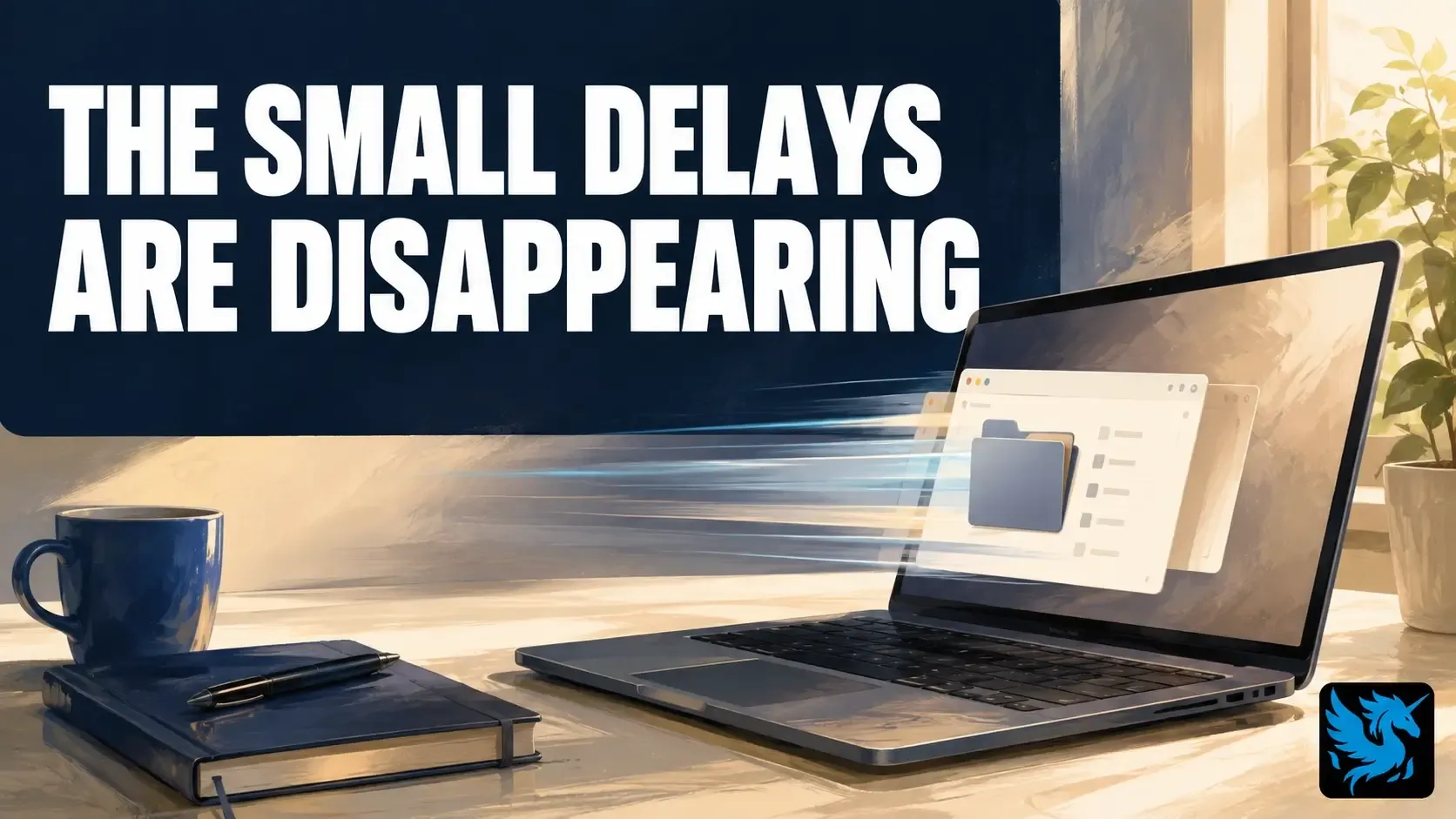

You open File Explorer, it takes a beat longer than it should, and you don’t even register it as a problem anymore. You’ve just adjusted. That’s the kind of friction Microsoft is going after in Windows 11 right now, part of a broader push to fix the parts of Windows 11 that actually cost businesses time, and it’s a better use of engineering time than another new feature you didn’t ask for.
What Microsoft is actually changing
The work centers on WinUI, the framework Microsoft uses to build the visual side of Windows apps, menus, and settings windows. File Explorer runs on it. So do a lot of the built-in apps you use without thinking about it. Speed up WinUI itself, and everything built on top of it benefits without Microsoft having to touch each app individually.
A Microsoft software engineer described the effort on GitHub as targeting launch time specifically, using File Explorer and Notepad as the main benchmarks. On the File Explorer side, the team reports 41 percent fewer memory allocations, 63 percent fewer of the short-lived kind, 45 percent fewer function calls, and a 25 percent cut in time spent running WinUI code itself. There’s a second, separate project running alongside this one called Low Latency Profile, aimed at shrinking the gap between you clicking something and Windows actually responding.
Why this matters for a business, not just an enthusiast
None of this means File Explorer will suddenly feel twice as fast. Microsoft is upfront that the work is early and hasn’t translated into a specific speed claim yet. What it means is a string of small delays getting shorter: opening a folder, switching windows, launching an app you use fifty times a day. Shaving a few seconds off one red light on your commute doesn’t feel like anything. Shave a few seconds off every light on the drive, and the whole trip feels different by the time you’re home. Multiply that same idea across ten or fifty employees doing the same handful of actions all day, and the minutes add up to real hours over a month.
There’s also a less obvious upside here. Microsoft’s different Windows teams have historically optimized their own corners of the system without much coordination, and it showed. This round of work reads as more joined up, which matters, because performance gains that only show up in one app tend to get eaten by friction everywhere else.
Getting the benefit without doing anything dramatic
This isn’t a reason to rush out and buy new PCs. It’s a reason to make sure your business isn’t sitting on Windows updates that are months behind, since improvements like this ship through the normal update channel, not as a separate download you have to go looking for. If your fleet is on a delayed or manual update policy, check that it isn’t quietly falling further behind than you think — that’s exactly the kind of gap ongoing device maintenance is built to catch.
If your machines still feel sluggish after that, the bottleneck is probably the hardware itself, not the software. We can take a look at your fleet, tell you honestly which one it is, and help you choose the right replacement hardware if that’s really what’s needed.